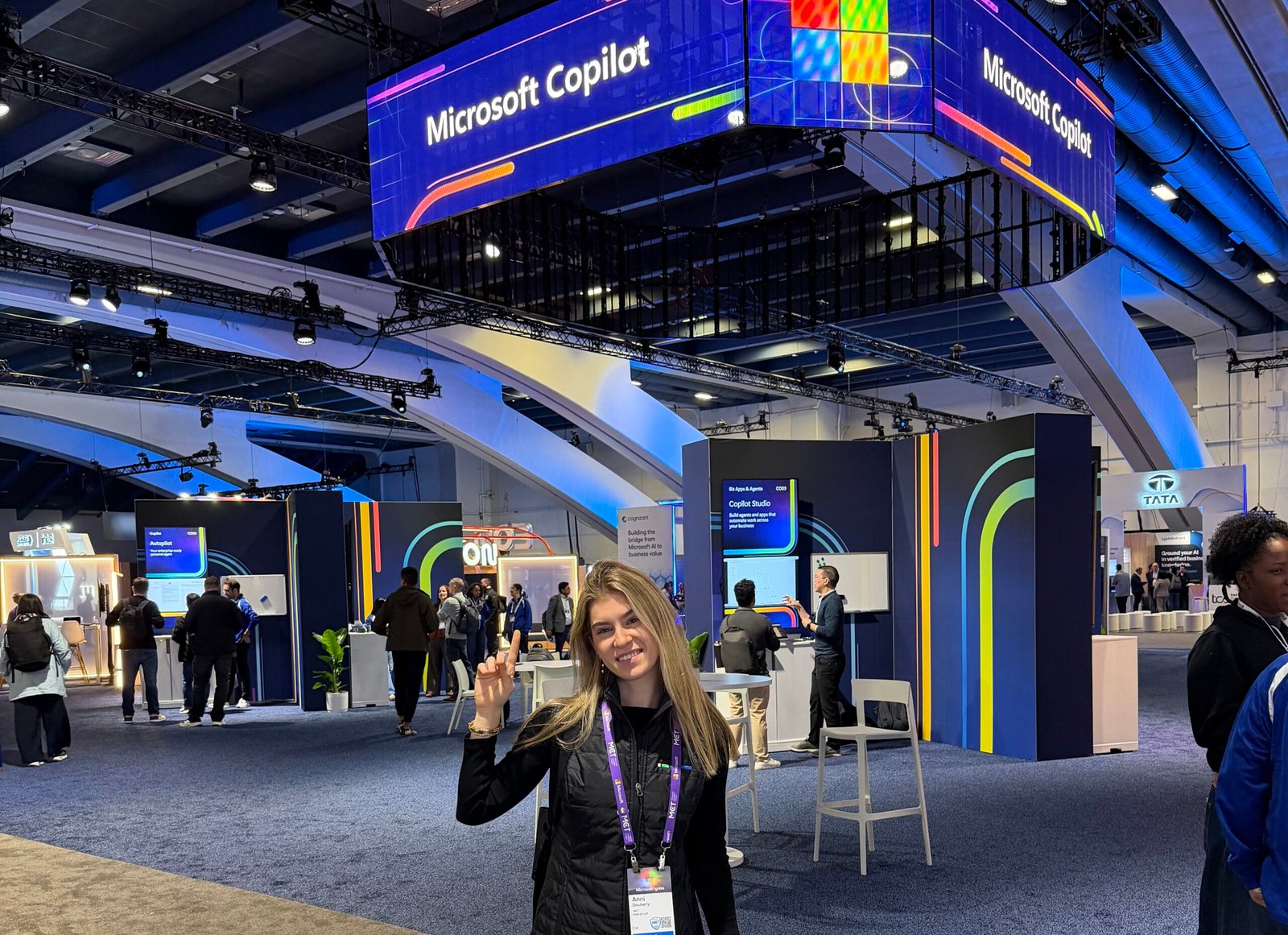
I just got back from four great days at my first Microsoft Ignite 2026, and I’m walking away impressed, amused, and inspired. Now that I’m back at my desk, a few announcements keep running laps in my mind. Here is my view point on the Microsoft Ignite 2026 recap.
Tokenomics
Microsoft Decision 1.1
Microsoft announced general availability of Decision 1.1, a fast, low-cost, in-house model built for the small calls that happen inside an agent workflow. Think routing, classification, prioritization, verification, and workflow control. Honestly, I’m surprised it didn’t happen sooner.
OpenAI and Anthropic still lead at the frontier. But Microsoft has officially entered the villa, and that will change the competitive landscape. Not every step of an agent workflow needs the most powerful model available. When a step is just “send this request to the right place” or “check whether this output meets the criteria,” a purpose-built model like Decision 1.1 can do the job for a fraction of the cost. At scale, those savings add up quickly.
You don’t need a Ferrari to drive the kids to school. The skill organizations need to build now is model choice: matching each task to the right model instead of defaulting to the most expensive one. For anyone managing usage-based AI budgets, this is the conversation to start having.
Agents
Copilot Workspaces
Copilot Workspaces gives people and agents a shared space to work together as a team. It’s not the same as Projects, which keep related tasks, instructions, and context together for you. A Workspace is built for the team and an ongoing workstream.
The part I’m most excited about is coming soon: teams will be able to bring their personal Autopilots into Workspaces. That moves us from doing the work to directing it. I think we’ll see a big increase in virtual teammates over the next few months, and for change management folks like me, that raises a new question: how do you onboard a teammate that isn’t human?
Autopilot
Autopilot is beginning to roll out to Frontier customers. (You may remember it as Microsoft Scout.) Autopilot is a long-running, always-on agent with its own identity. It can manage recurring tasks and keep projects moving without a new prompt at every step.
Picture the busywork that eats your week: status updates, follow-ups, pulling together the same report every Friday. Autopilot can take that on, and you stay the human in the loop for the final action or decision. Because each Autopilot has its own identity, it also fits the governance model IT already understands, which makes Agent 365 even more important.
Admins, take note: Autopilot is off by default. Check out Configure Autopilot (Frontier) for your organization before your users start asking for it.
GitHub Copilot and Copilot Code
I spent more time than I’d like to admit at the Challenge Center in Moscone West running simulations with GitHub Copilot and other agent builder tools. Microsoft is also bringing Copilot Code to general availability in the coming weeks. The two tools behave similarly, but they serve different people. Copilot Code is the vibe coding experience. Anyone can describe a dashboard, tracker, or app in natural language and build it, with enterprise security and governance built in. GitHub Copilot is built for developers and engineers working in real codebases.
For adoption leads, Copilot Code is the one to watch. When anyone can build an app, citizen development stops being a niche program and becomes everyday work, so governance and training plans need to catch up.
Agent 365
Agent 365 is no longer a nice-to-have add-on. It’s a critical part of agent governance. Organizations have registered more than 50 million agents since it launched in May, and that scale raises real questions. Who owns each agent? What risk does it carry? What does it cost, and is it worth it?
Agent 365 answers those questions in one place, covering Microsoft agents and agents from platforms like Anthropic, OpenAI, Salesforce, and Databricks. IT keeps ownership and lifecycle clear, security contains agent risk, and business leaders see what AI costs and what it returns.
On spend, Microsoft also introduced Agent 365 Business Analytics in Frontier preview. Satya described it as an ERP system for AI usage. It connects spend to outcomes, from task success to hours assisted, so leaders can measure the work AI helps complete instead of just the tokens it consumes. That’s the ROI conversation every Copilot rollout eventually runs into, and now there’s a tool built for it.
New to Agent 365? The free Get started with Microsoft Agent 365 module on Microsoft Learn is a great place to begin.
A High-Value Scenario
Between volunteering and taking certification exams, I sat in on a powerful agent scenario for nonprofit organizations. The demo showed an orchestrated team of agents running the grant writing process. One agent handled discovery, others built the narrative, and the team produced a strong first draft, with a human in the loop for final approval.
Grant writing is a perfect fit. It’s high stakes, time consuming, and often falls on small teams that are already stretched thin. Agent orchestration can sound expensive, but by choosing an older model for the right steps, the team saved about $70 (if my memory is correct) per run with the same quality of output. This was the tokenomics conversation in action: thoughtful model selection made an advanced scenario affordable for organizations that watch every dollar.
Passing the AB-650
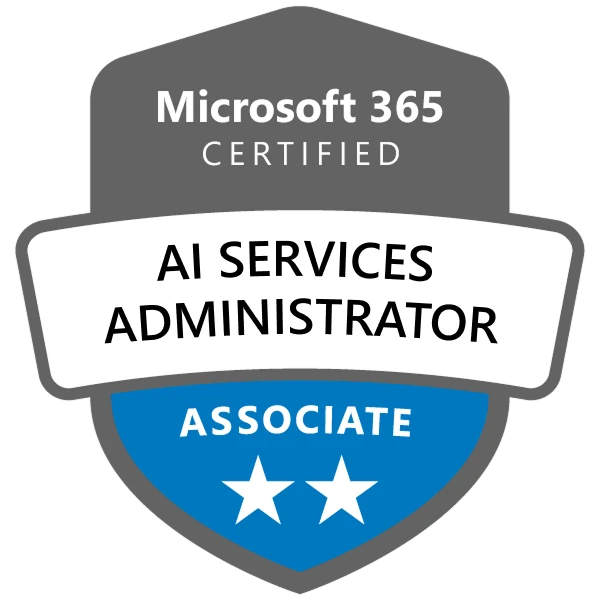
One of my proudest moments of the week happened outside the keynote halls. I passed the AB-650: Administering Microsoft 365 and AI Services exam! It covers configuring, governing, and securing Microsoft 365 tenants and workloads, along with managing and securing AI services like Copilot and agents. That’s everything I spend my days helping clients get right. Taking it at Ignite felt especially fitting, since I spent the rest of the week hearing about the very features the exam tests.
Non-Technical Moments
Community
After a few days with the MCT community, my cup is very full. I met MCTs and MTTs from different organizations and focus areas. I spend my days dreaming about Copilot, but many of my peers focus on Azure or security, and every one of us has an important role in this evolving space. AI touches every one of those areas, and the best conversations I had were with people whose expertise was completely different from mine.
Gwen Stefani Calling Us Awkward
The Gwen Stefani concert was bananas, but not as bananas as Gwen calling the audience awkward. A crowd of tech specialists leans introverted, but after that blunt call-out, people started to loosen up and enjoy the rest of the show. Message received, Gwen.
Time With My Team
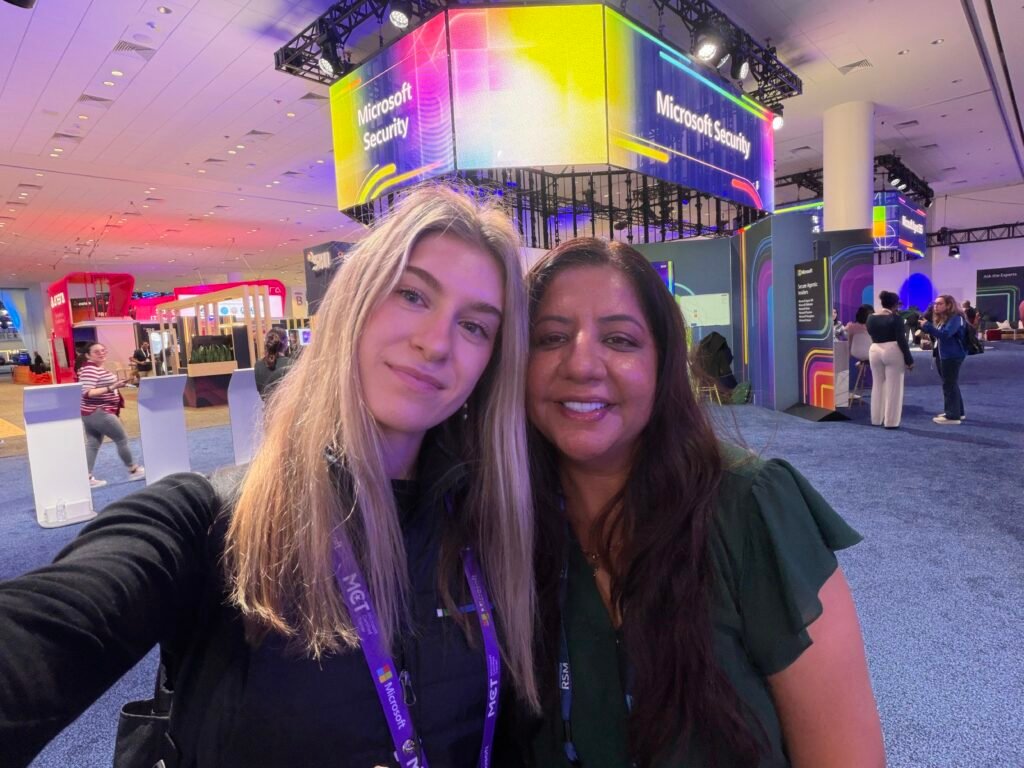
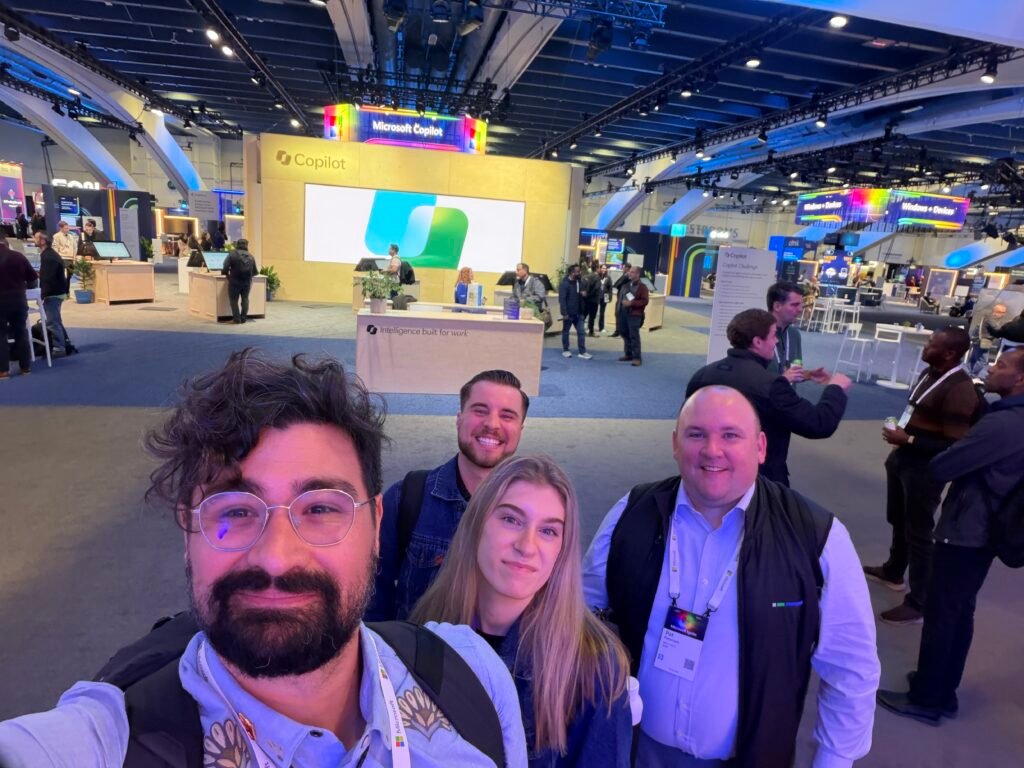
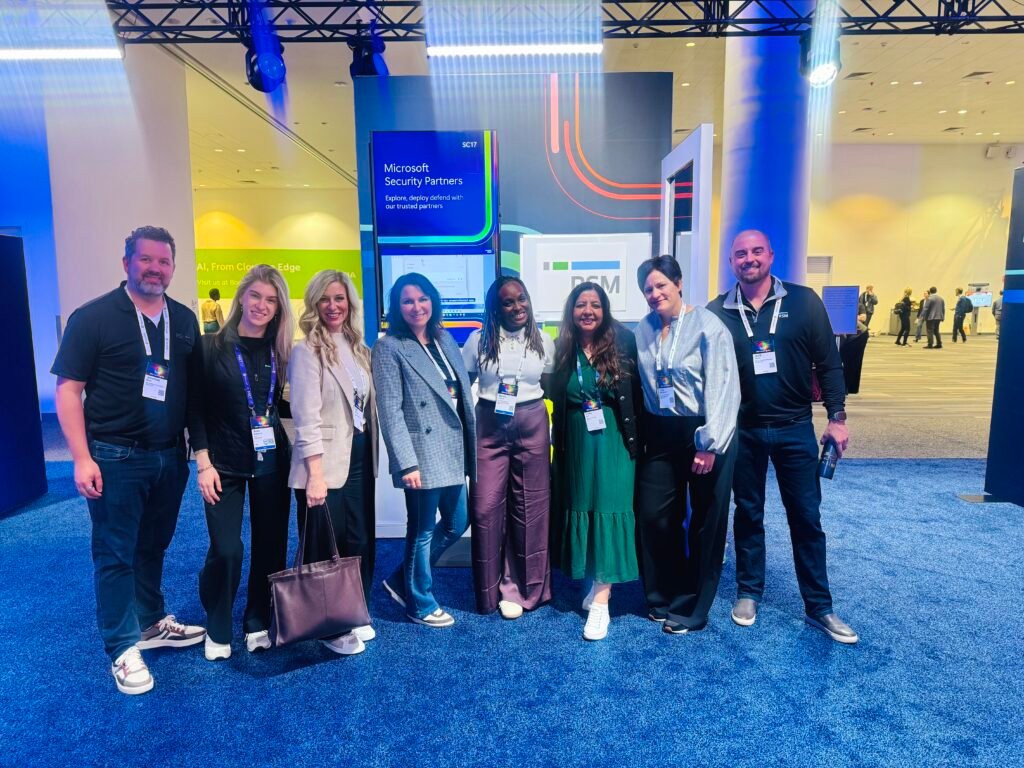
None of this would have been possible without my RSM team. I loved swapping session notes and learning alongside my colleagues. With a team spread across the United States, these moments are rare, and I’m so glad we got to spend time (and share a lot of laughs) together.
The Matcha World Tour

I’d be lying if I said Ignite was all sessions and certification exams. Between keynotes, I made it my personal mission to try as much matcha as San Francisco could offer, and the city did not disappoint. From classic iced lattes to some more adventurous flavors, every cup was a little reward for surviving another packed day of sessions. If you’re heading to Moscone next year, pack your walking shoes and bring your appetite for green tea. My caffeine levels were high, my energy was higher, and I have zero regrets.
Ignite 2026 was amazing, and I can’t wait for the next one! Want the full list of announcements? Check out the Ignite 2026 Book of News.