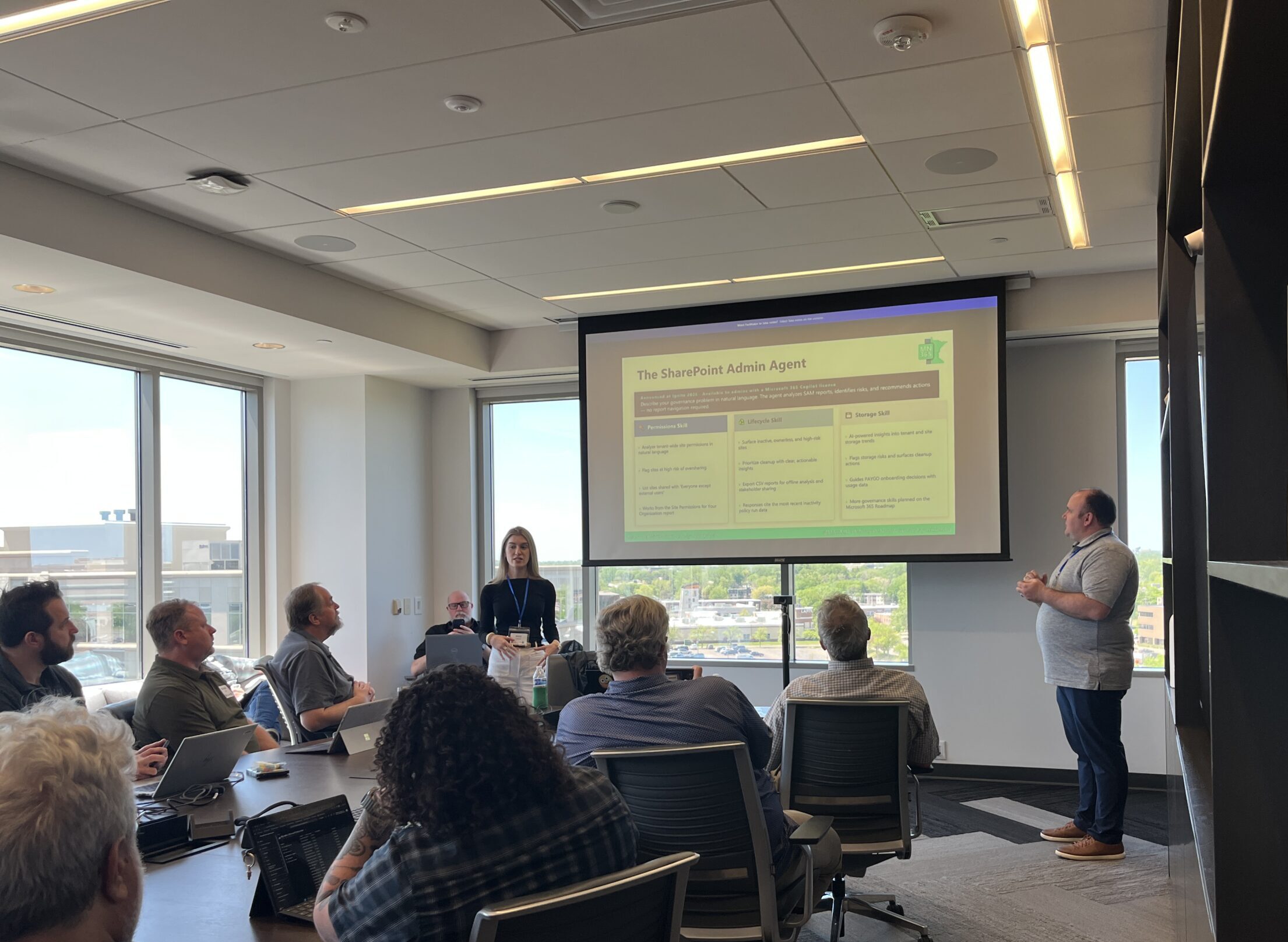
This week was a big one for me and I am still riding the high.
I had the honor of presenting at the MN M365 Spring Workshop Day 2026, and I cannot overstate how much this experience meant to me. It was my first time speaking at a user group event, and if this is what community looks like, I want to be here as often as possible. The energy in the room, the conversations before and after sessions, the genuine enthusiasm from people who just get it — it was exactly the kind of environment that reminds me why I do this work.
I co-presented with Pat Petersen, MCT and MVP, and the kind of person who opens doors and then cheers you through them. He did not just let me share the stage, he made sure I belonged on it.
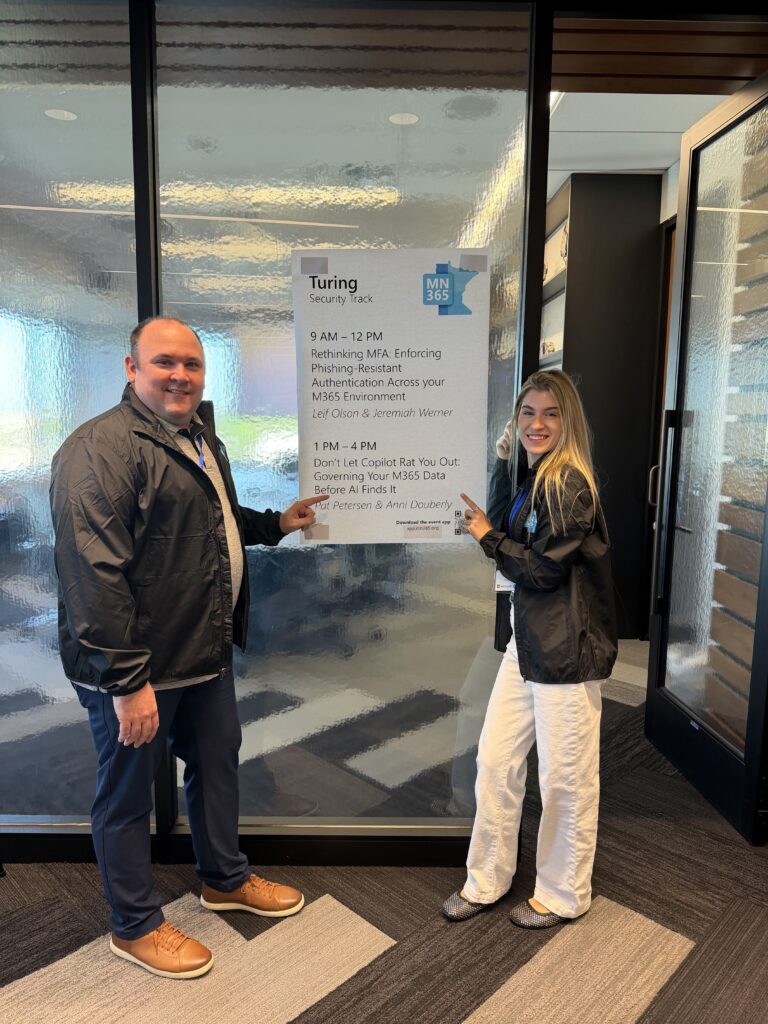
Our session was called Don’t Let Copilot Rat You Out: Governing Your M365 Data Before AI Finds It. Yes, the tagline was “Because Copilot has a big mouth.” And yes, we meant it.
Setting the Stage
The framing that drives this entire conversation: Copilot sees what your users see. That is not a feature, it is a mirror. If your data is overshared, unlabeled, or sitting in the open, Copilot will find it and surface it to someone who may never have been meant to see it.
The three risks we focused on throughout the session were oversharing, shadow data, and compliance gaps. Before you deploy Copilot, you need to know where your sensitive data lives, who has access to it, and whether your controls are actually doing anything.
SharePoint and Teams Permissions, SAM Reports, and the SharePoint Admin Agent
Oversharing is the number one governance risk when deploying Copilot, and it is also where organizations have the fastest path to improvement.
The most common culprits are sites set to public, default sharing scoped to everyone, broken permission inheritance, and heavy use of the Everyone Except External Users group. We then demoed SharePoint Advanced Management (SAM) and the Data Access Governance (DAG) reports. SAM is included with your Microsoft 365 Copilot license, so there is no reason not to be using it. The DAG reports cover site permissions, sensitivity label distribution, sharing link activity, and EEEU usage, giving you a clear picture of where your risk actually lives.
The SharePoint Admin Agent is one of my favorite things to demo right now. You describe your governance problem in plain language, and the agent analyzes your SAM reports, flags risks, and recommends actions. No manual report navigation required. It is available from the Microsoft 365 Copilot experience, the SharePoint Admin Center, and the Teams Admin Center. Same tool, three locations, and the human-in-the-loop design means you are always the one making the final call.
Purview Governance, Sensitivity Labels, Label Policies, and Copilot-Scoped DLP
This is where the protection story comes together.
The data protection flow is three steps. A sensitivity label classifies your content by tier. A label policy publishes those labels to the right users and sites and sets the behavior rules. And then Data Loss Prevention monitors movement across email, Teams, SharePoint, endpoints, and Copilot. We demoed a label configured to block Copilot access entirely to certain content, which always lands with the audience. I posted a blog post about this exact workflow last month.
The piece I want to call out specifically is DLP scoped to the Microsoft 365 Copilot and Copilot Chat workload. If your DLP policies do not include Copilot as a location, they are not doing the job you think they are. It is one checkbox many organizations are still missing.
On the visibility side, Purview gives you Copilot interaction audit logs in the Unified Audit Log, Content Search and eDiscovery across Copilot interactions, and the Purview AI Hub and DSPM dashboard for a consolidated view of your AI risk posture across the tenant.
Ongoing Governance and User Adoption
Governance does not stop at configuration, and this is the section where it either becomes sustainable or quietly falls apart.
We shared a monitoring cadence that ranges from daily Purview audit alerts, to weekly DLP queue reviews, monthly SAM sharing link and EEEU activity reports, and quarterly site permission snapshots and Entra ID access reviews for guest and external users. The goal is a rhythm, not perfection on day one.
User adoption is the part of governance that gets skipped most often, and it is the part that makes everything else stick. Admins can configure the right controls, but if users do not understand why they exist, you will be back to square one. Classify before you share, own what you share, understand what Copilot can reach, and prompt responsibly. The tactics that actually move behavior are a champions network, bite-sized training, policy tips surfaced in the apps people already use, and recognition that makes good habits visible.
We closed with the Copilot Readiness Scorecard, a checklist that covers sensitivity labels, SharePoint permissions, SAM reports, the SharePoint Admin Agent, DLP policies, guest access reviews, Purview audit, and Copilot license scoping. If you were in the room, you have it. If you were not, stay tuned.
What This Experience Meant to Me
This was my first user group session, and it exceeded every expectation I had going in.
The MN365 community lives up to everything I had heard about it. Sharp questions, real conversations, and a room full of people who genuinely want each other to succeed. Pat has been part of building that for years and being next to him for my first time felt like the exact right way to walk into it.

I am so grateful to the MN365 team for the opportunity and to everyone who came out. If you missed this one, there will be more, and I hope to see you there.